4.5 Counters and typed text
The Text action types a string character by character, at a speed you set. It also understands two placeholders, which are expanded as it types:
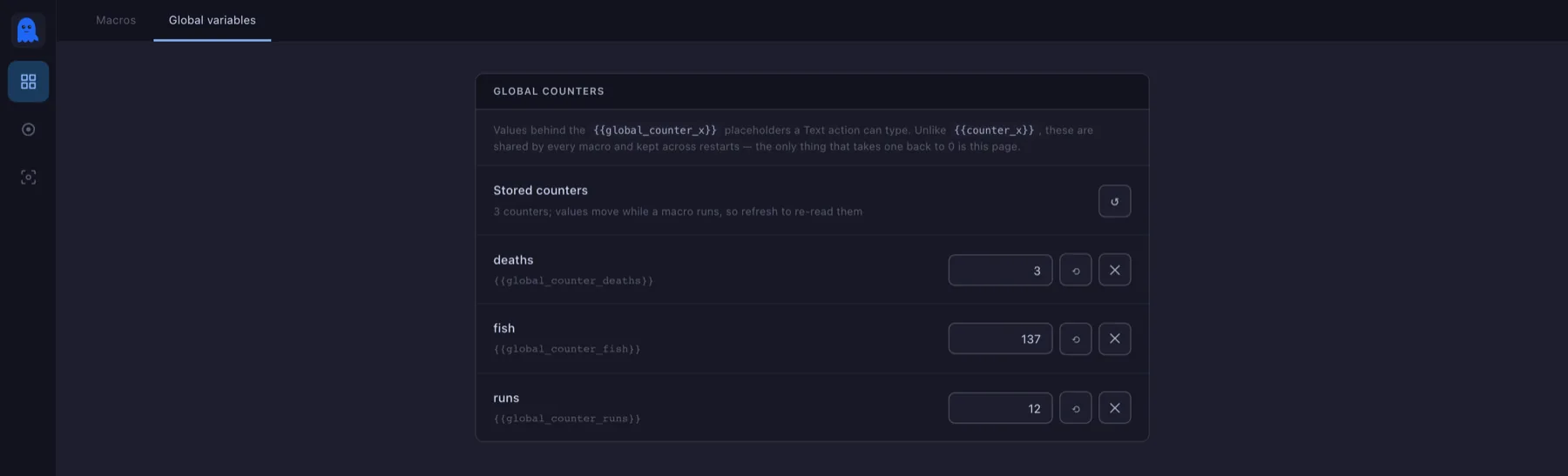
{{counter_name}}— counts within this run. Stop and start the macro and it is back to zero.{{global_counter_name}}— kept by the app itself, shared by every macro, and never reset unless you reset it.
One limitation
Text is typed as real key presses on a US layout, so characters that have no key there — accents, Cyrillic, CJK — are skipped rather than mistyped. For anything outside plain ASCII, use your game or app's own paste or emote instead.