03 Pages
The app has five buttons down its left edge, and each opens one screen. The pages under this one go through the screens control by control: on each screenshot the controls are highlighted, and clicking one shows what it does.
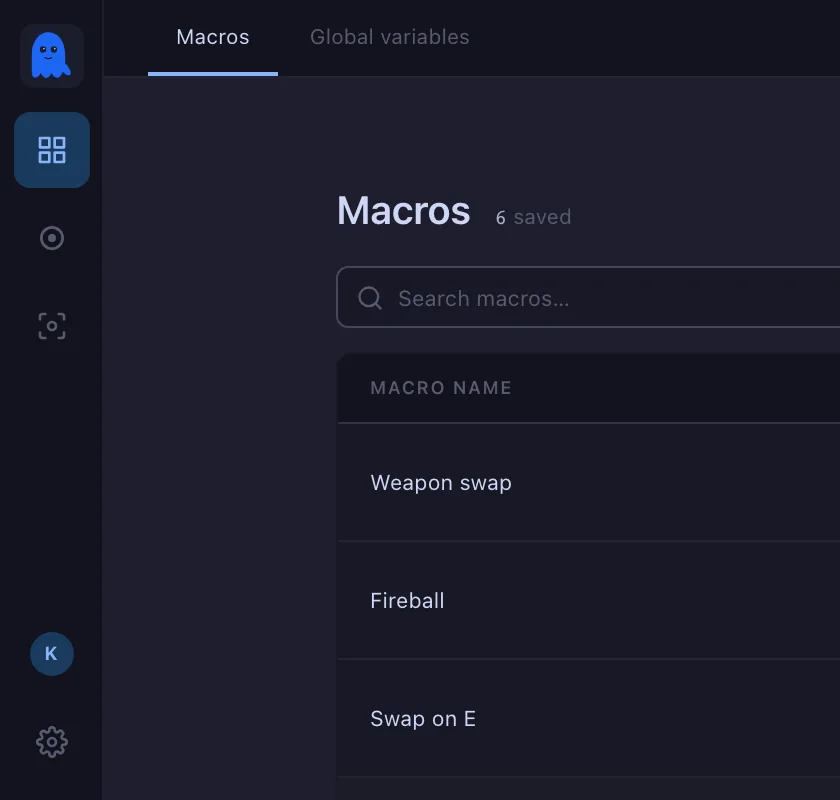
- Macros — every macro you have, and the global variables they share. See Macro list; a macro opens in the editor.
- Tracker — records what you do and turns it into steps. See Macro record.
- Targets — the objects, areas, colours and sounds a wait can watch for. See Objects.
- Account — the address you are signed in with, its plan, and Sign out.
- Settings — output, sound, trigger keys, hotkeys, the screen and the debug tools. See Settings.